
getjet roster
Compact guide for RAIDO-based roster, duty workflow, revisions, and exporters.
Overview
getjet roster is a privacy-first iOS app for getjet crew using RAIDO. It syncs roster data, stores it on-device, and helps you manage duty planning, revisions, exports, and crew collaboration.
- iPhone with iOS 26+
- Active RAIDO account
- Internet for import/revision checks
First Launch
- Read Disclaimer & Liability and tap I Understand & Continue.
- Enter RAIDO credentials and tap Sign In.
- On later launches, use Face ID / Touch ID if available.
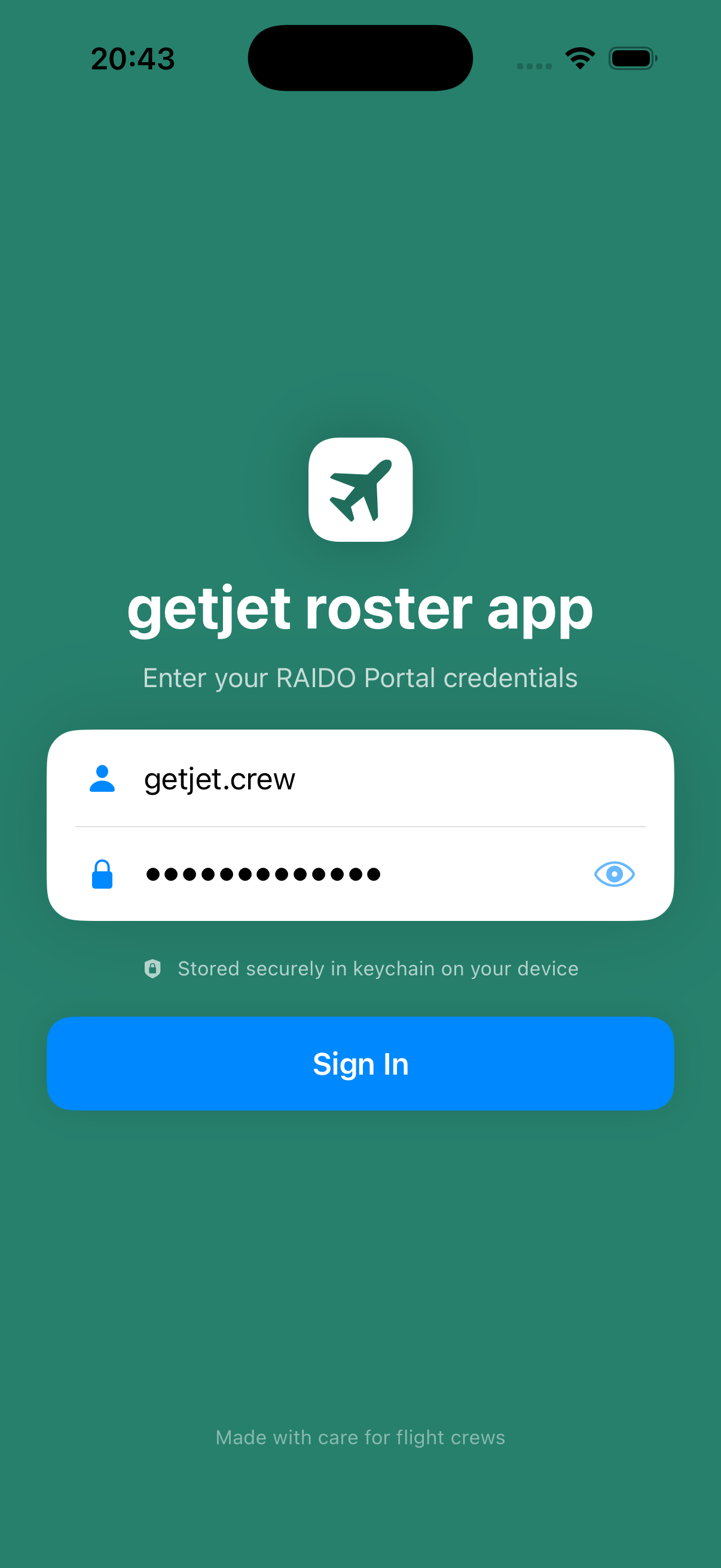
Sign In screen
Main Screen
Three months are shown (previous/current/next). Use tab or swipe to switch. Double tap jumps back to current month.
| Control | Action |
|---|---|
| Block / Duty | Toggle summary metric in header |
| 🔔 Bell | Open revisions requiring confirmation |
| ⬇ Download | Import roster; long press = force reload (3 months) |
| ☰ Menu | Open Settings |
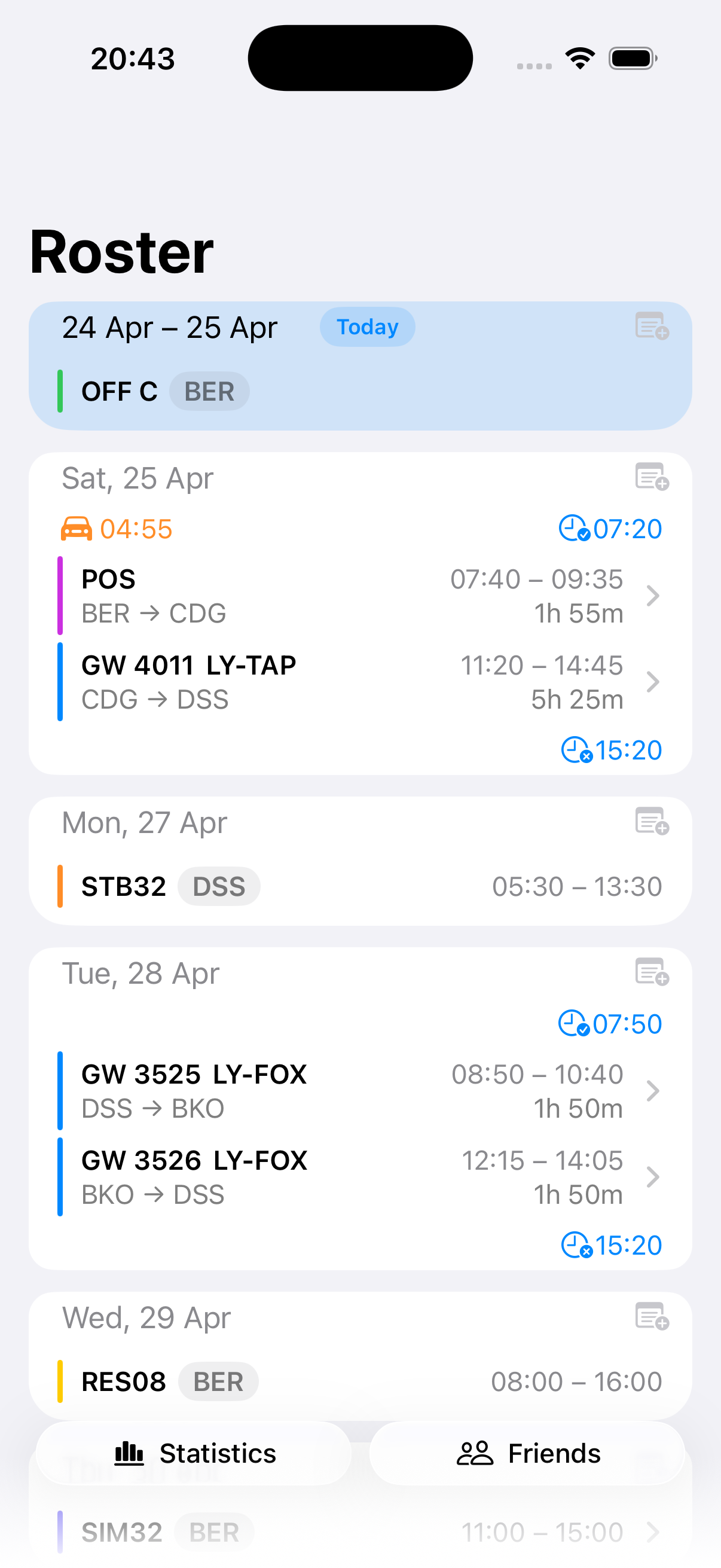
Main roster
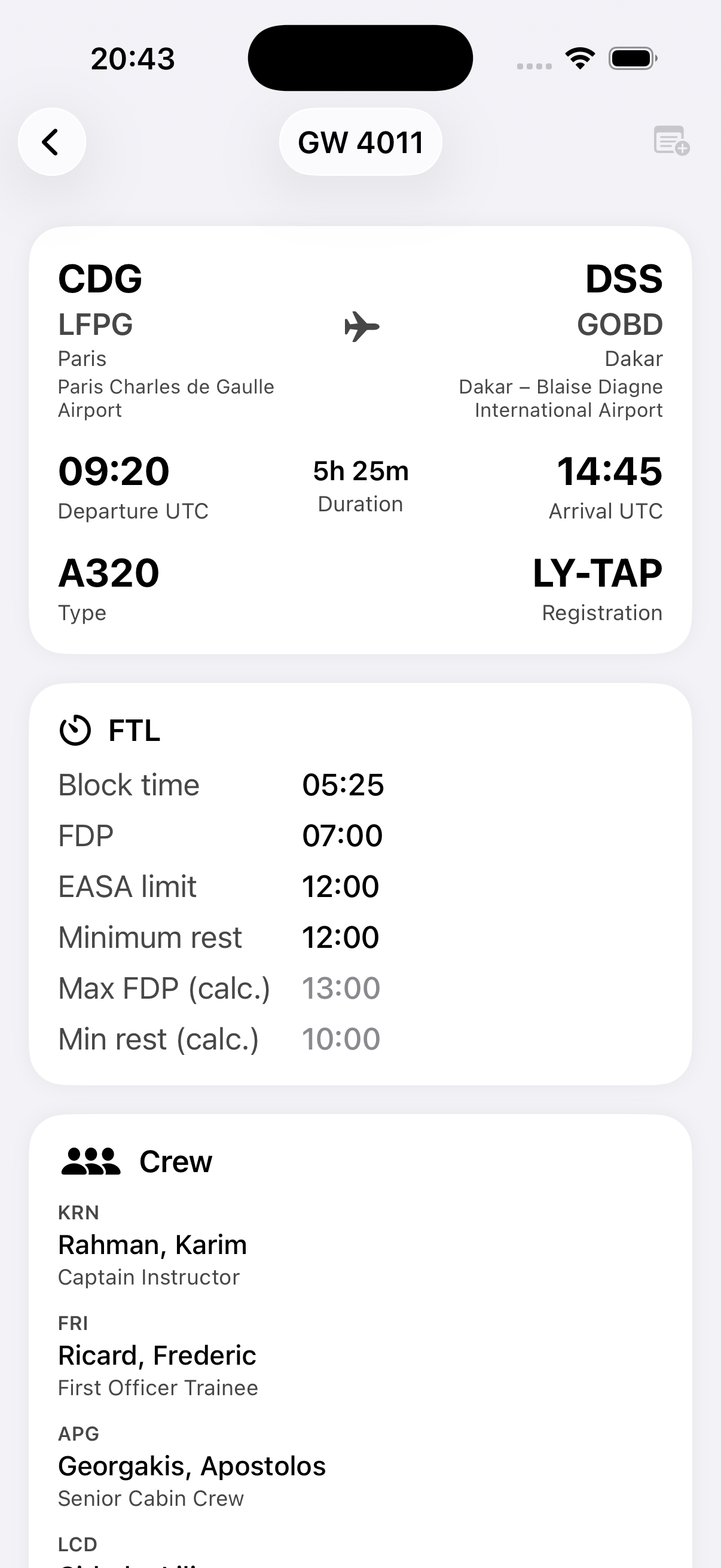
Flight detail
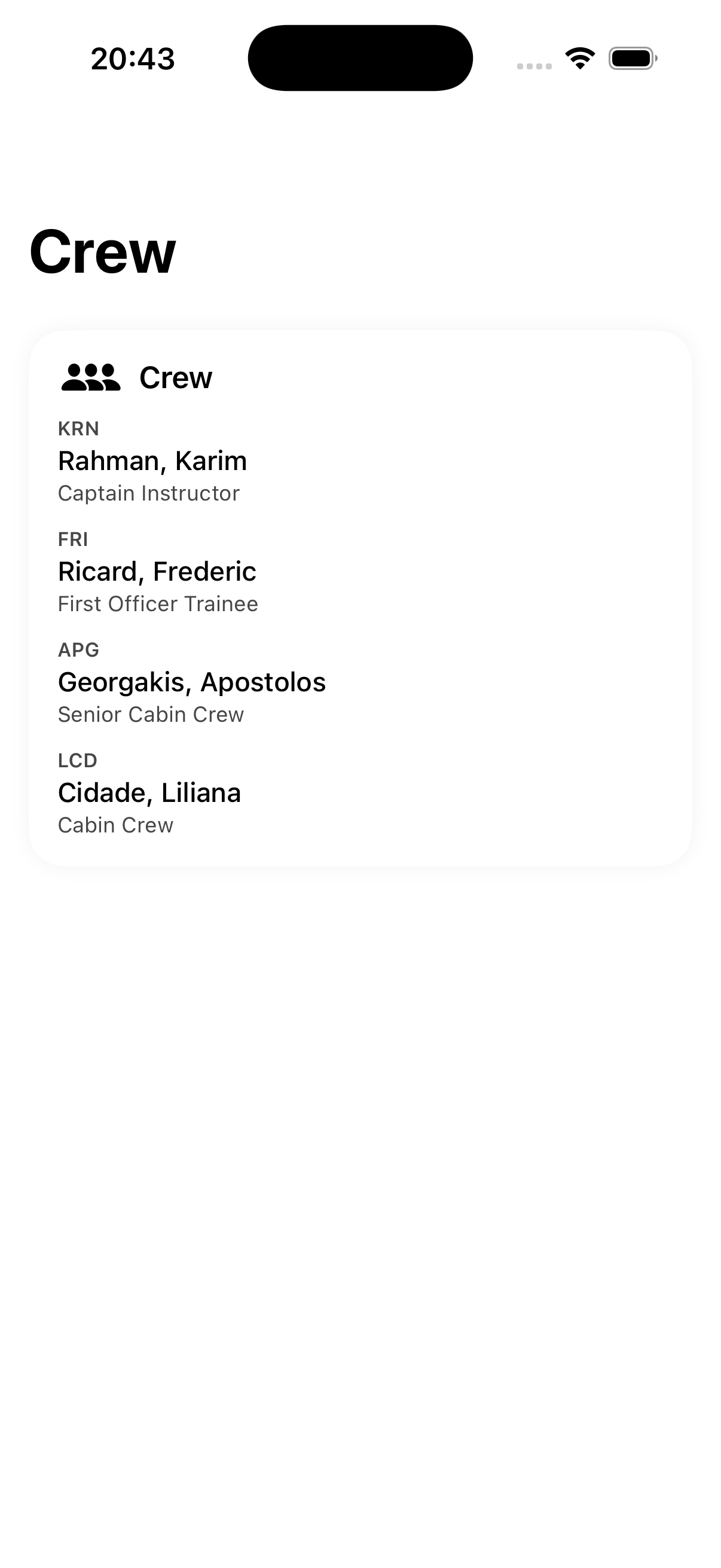
Crew contacts
Import & Revisions
Import
- Tap ⬇ Download.
- If alert says Please accept your roster changes first, confirm revisions first.
- Wait for toast: Loading → Importing → Imported.
Revisions
- Tap 🔔 Bell.
- Compare Revision vs Previous.
- Tap Confirm Changes (same effect as confirming in RAIDO).
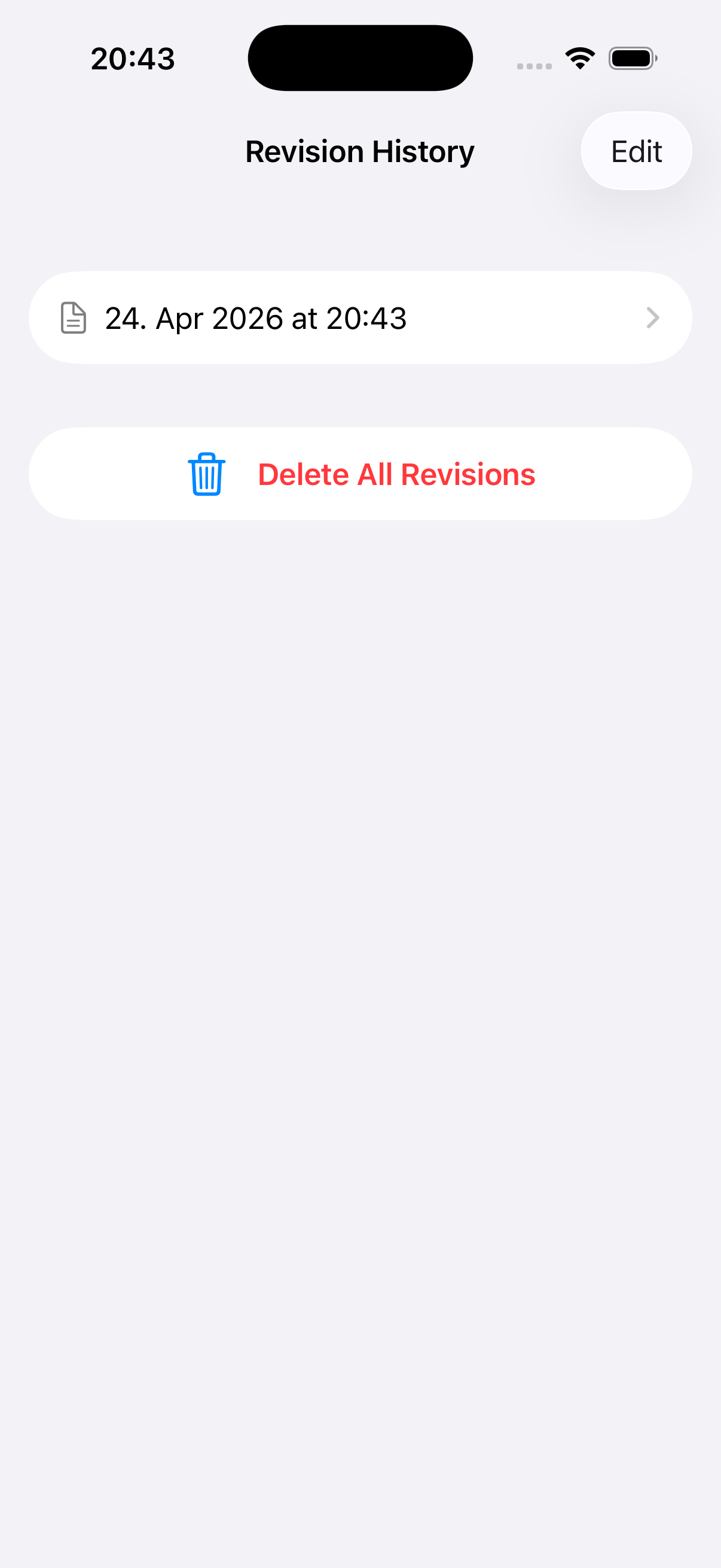
Revisions
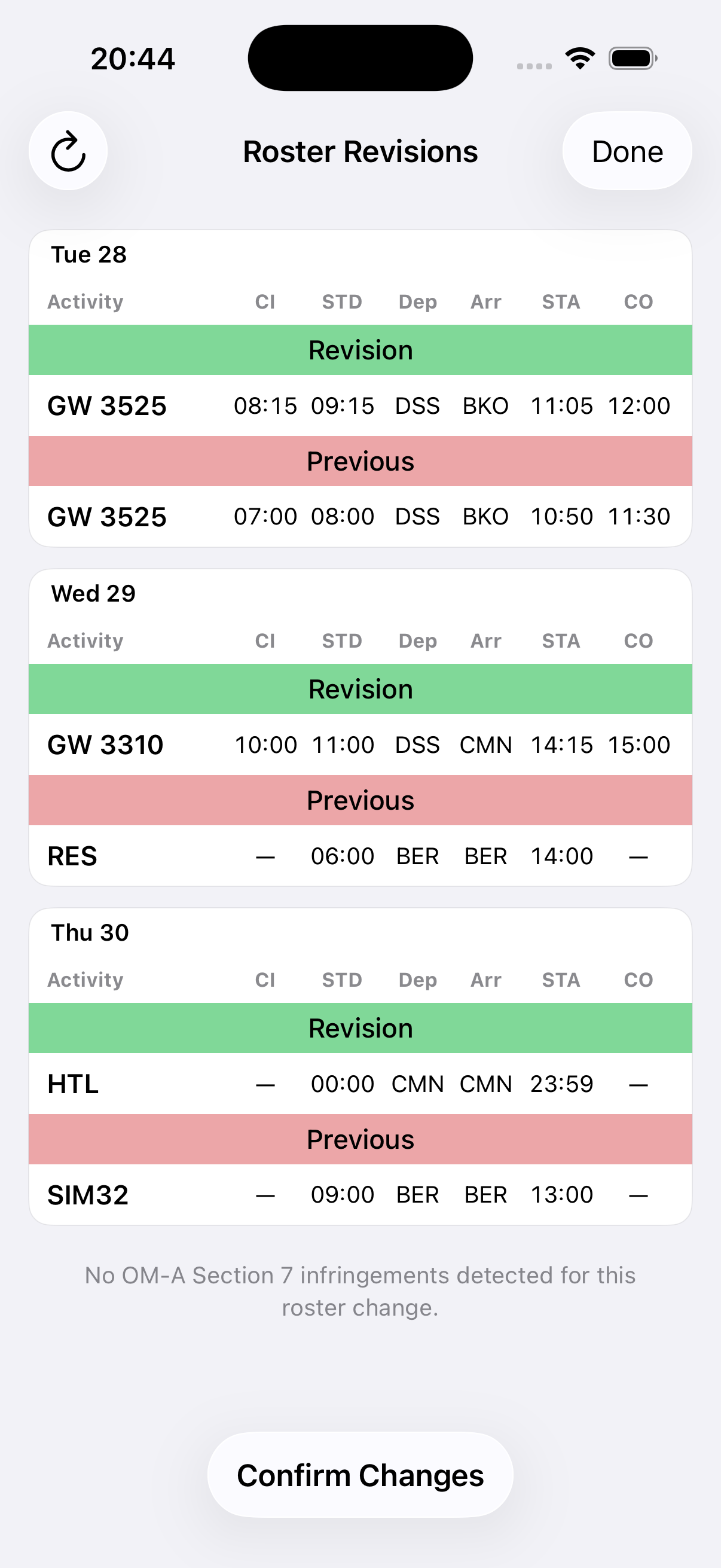
Revision Sheet
Feature Summary
| Feature | Details |
|---|---|
| Flight Detail | IATA/ICAO, UTC, aircraft, Crew, Notes, Hotel, FTL card |
| Friends | 31-day comparison via 3-letter code (sharing required) |
| Logbook Export | LogTen, PILOTLOG, FLYLOG.io (Pilot role only) |
| Calendar Export | Local calendar + Subscription Calendar |
| AeroWeather / EASA FTL Calc | Deep-link exporters (Pilot role only) |
| Settings | NOC Account, Crew Role, FTL checking, Revision History, Force Reload |
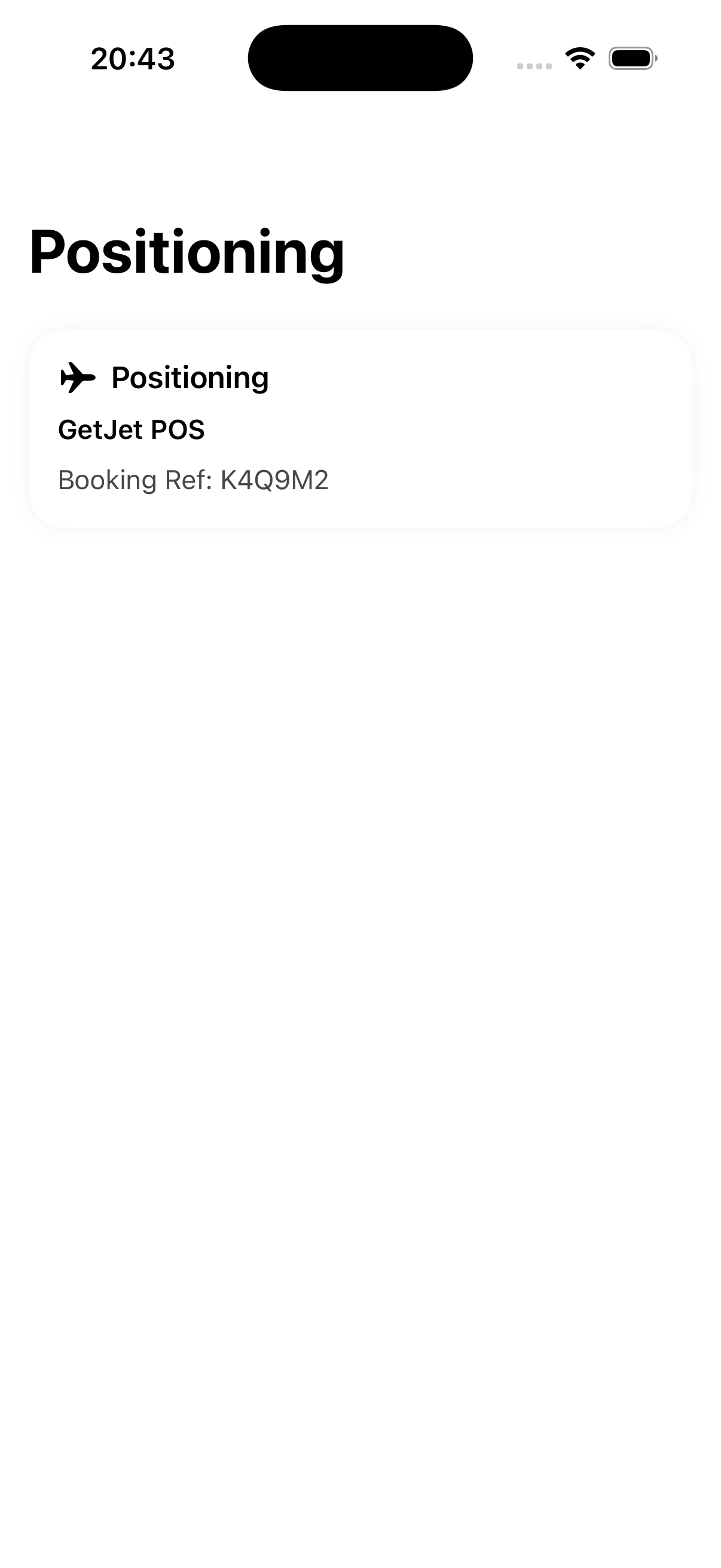
Positioning duty
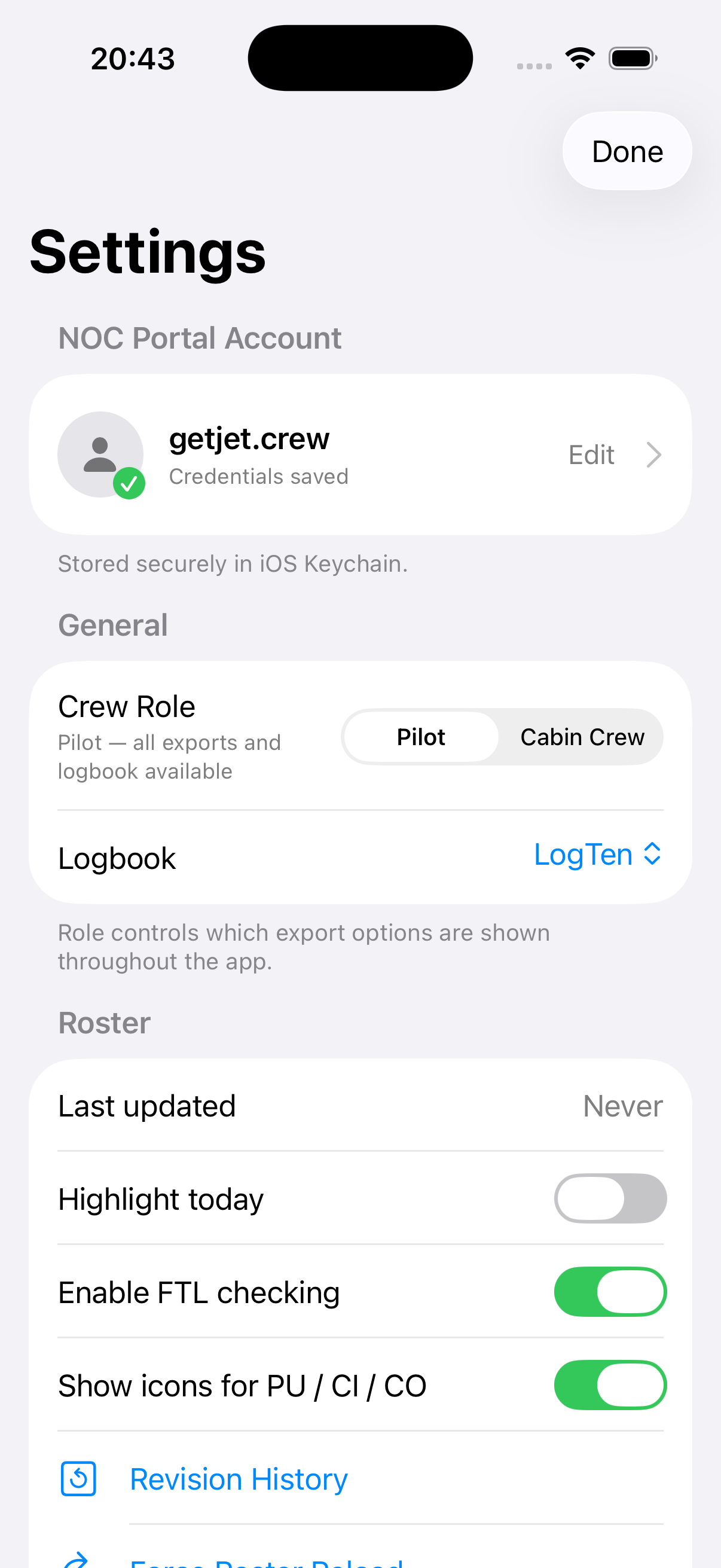
Settings
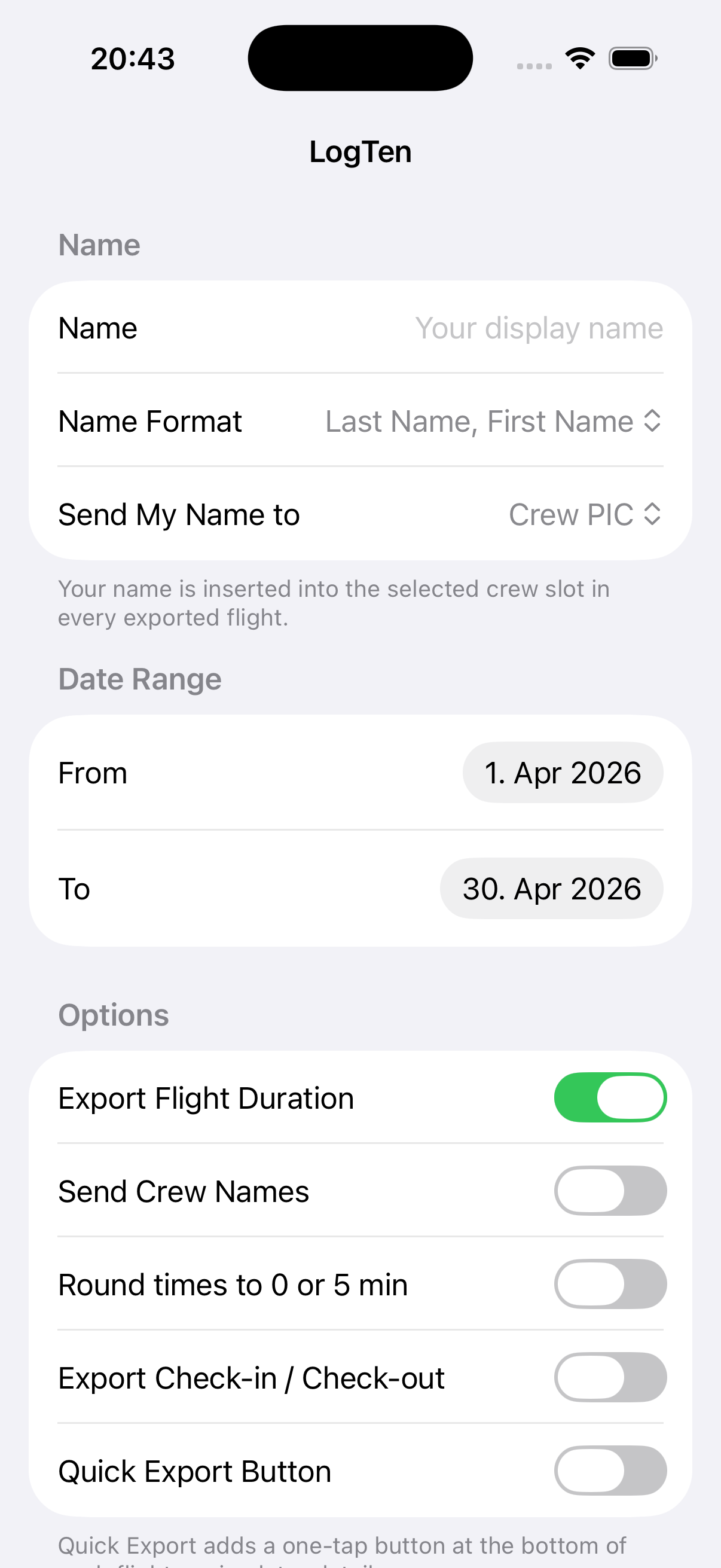
Logbook export
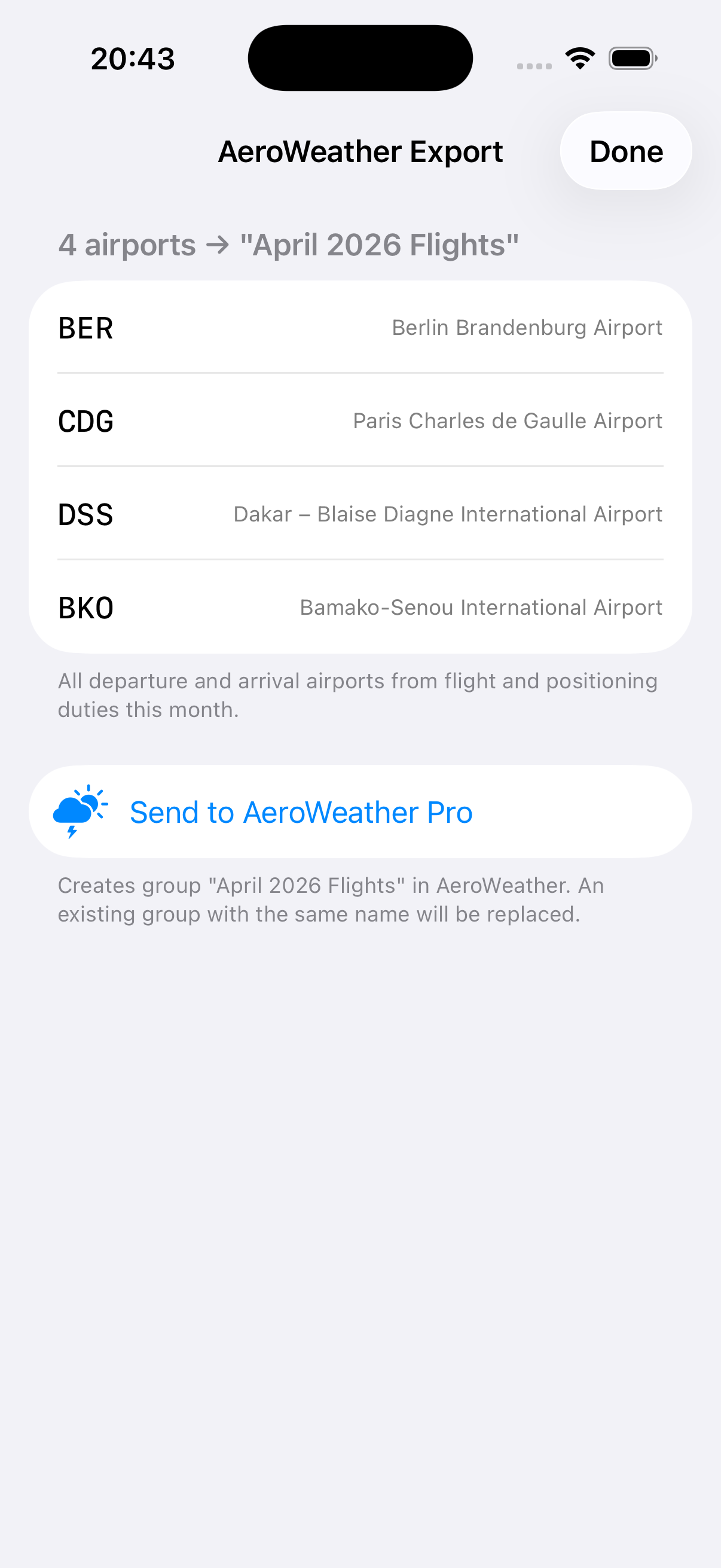
AeroWeather export
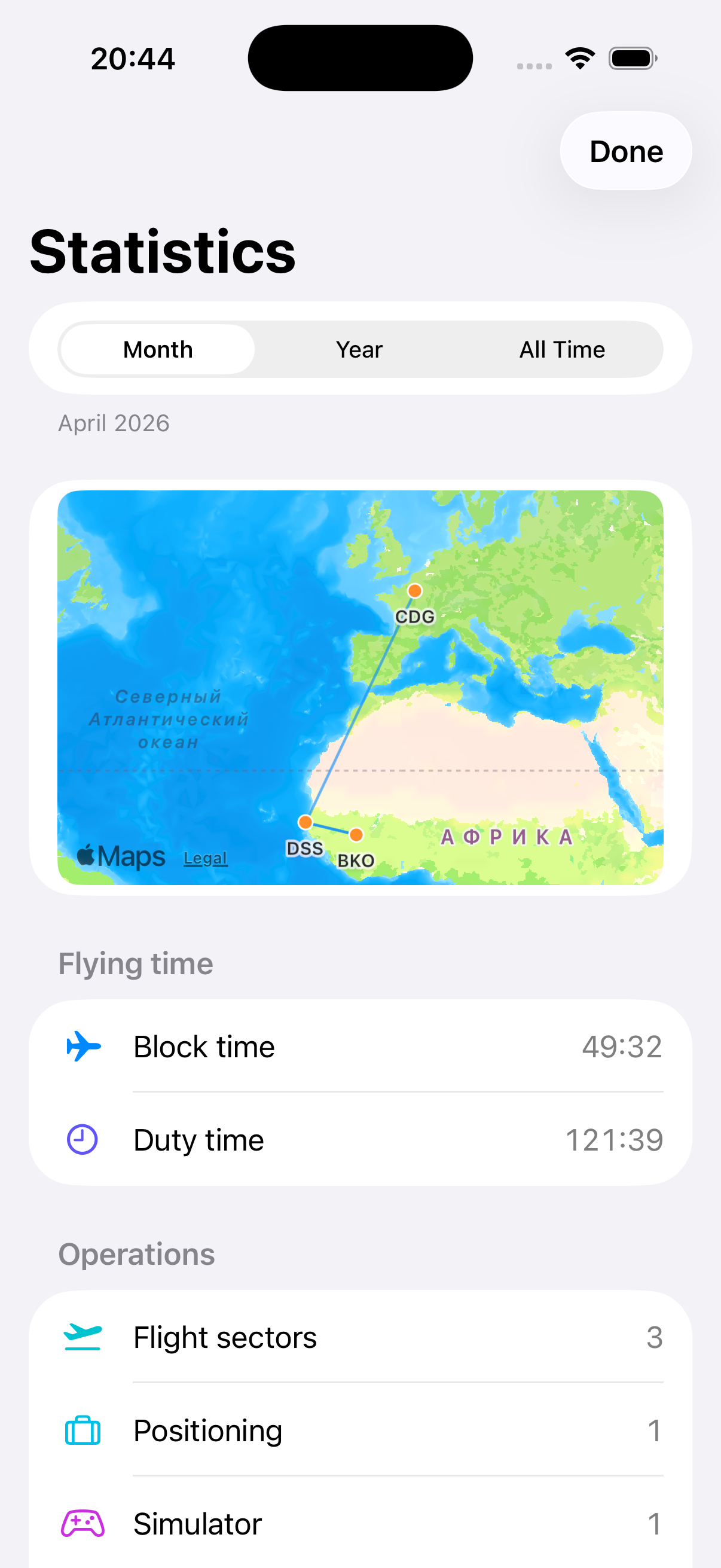
Statistics
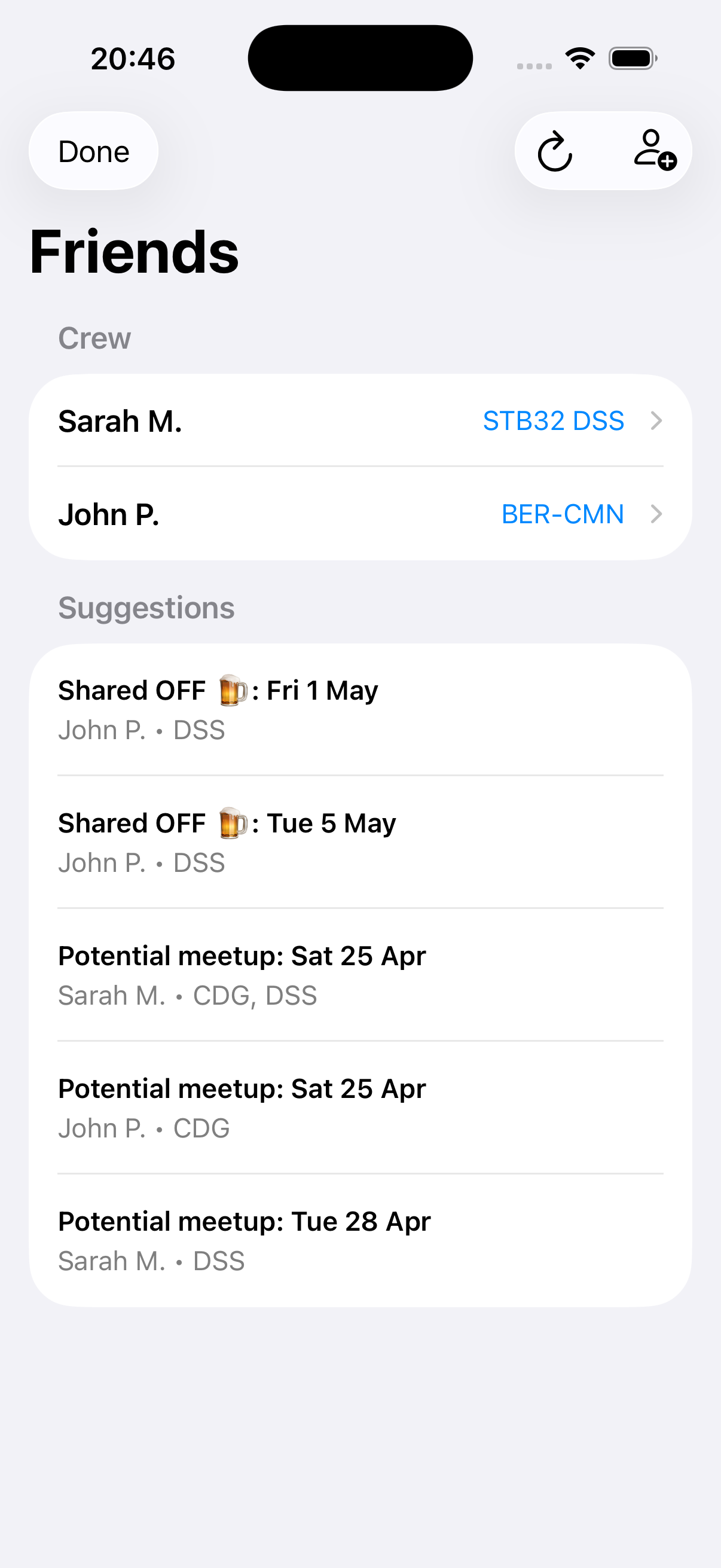
Friends overview
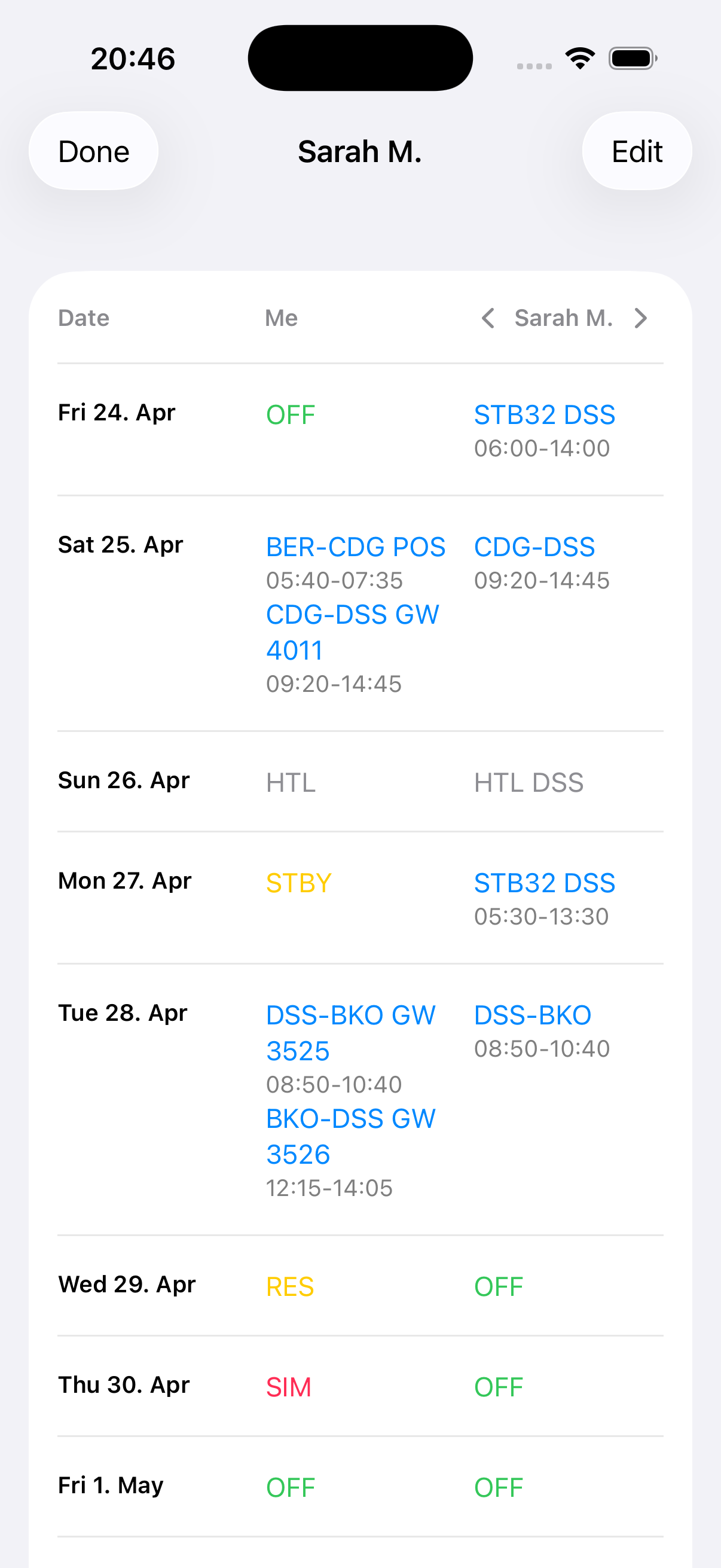
Friends comparison
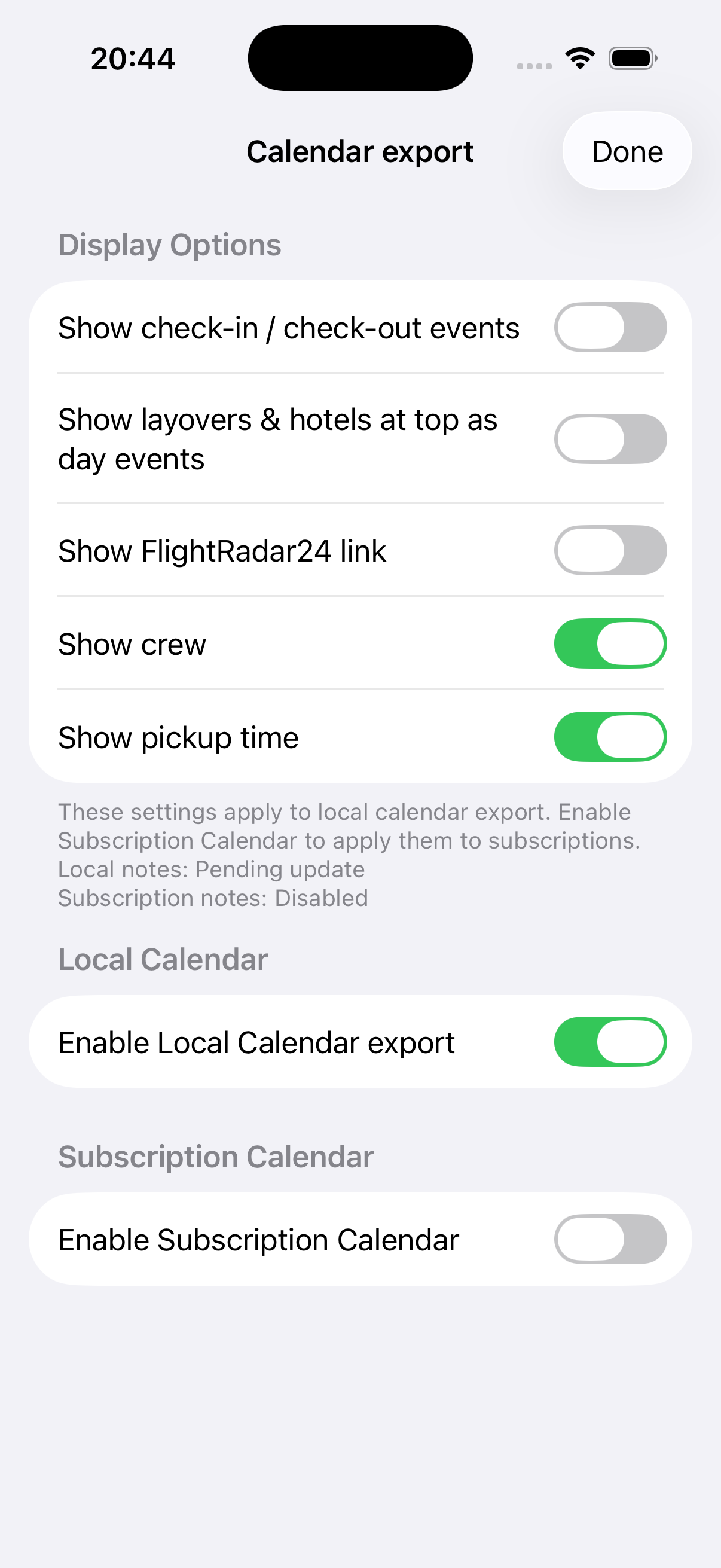
Calendar export
Permissions
- Face ID: biometric sign-in.
- Calendar: event export.
- Push Notifications: roster/revision alerts.
- Background App Refresh: periodic sync checks.
FAQ
Offline mode? Previously imported data stays available offline.
Password on server? No. Credentials stay in iOS Keychain.
FTL checking? Helpful reference, but always validate with official scheduling.
Non-RAIDO support? Not supported.
Troubleshooting
- Sign In failed: verify RAIDO credentials in Safari; update NOC Portal Account.
- Import failed: check network; long-press download for force reload.
- No notifications: enable iOS Notifications and Background App Refresh.
- No calendar events: check Calendar permission and ensure roster data is imported.
- Friends lookup error: verify 3-letter code and sharing status.
Support
For support, feature requests, or data/privacy questions, contact the app maintainer.